
Docs / Getting Started
10‑minute quickstart
Connect Gvner, register a runtime, approve one policy, and export evidence — end to end.
Prerequisites
Tenant ID + tenant token
API base URL (e.g., http://<host>/api)
One runtime or agent to register
How to use
1. Connect
Configure API base + tenant token.
2. Register runtime
Attach a runtime so intents are governed.
3. Approve policy
Dry‑run, request, and approve a policy change.
4. Export evidence
Generate regulator‑ready evidence packets.
One‑command script
Copy, paste, and run. (Remove | jq if jq is not installed.)
curl -sL https://gvner.com/docs/getting-started/quickstart.sh | BASE_URL="http://209.46.122.136/api" TENANT_ID="acme" TOKEN="<YOUR_TENANT_TOKEN>" bash
1) Set your environment
export BASE_URL="http://209.46.122.136/api"
export TENANT_ID="acme"
export TOKEN="<YOUR_TENANT_TOKEN>"
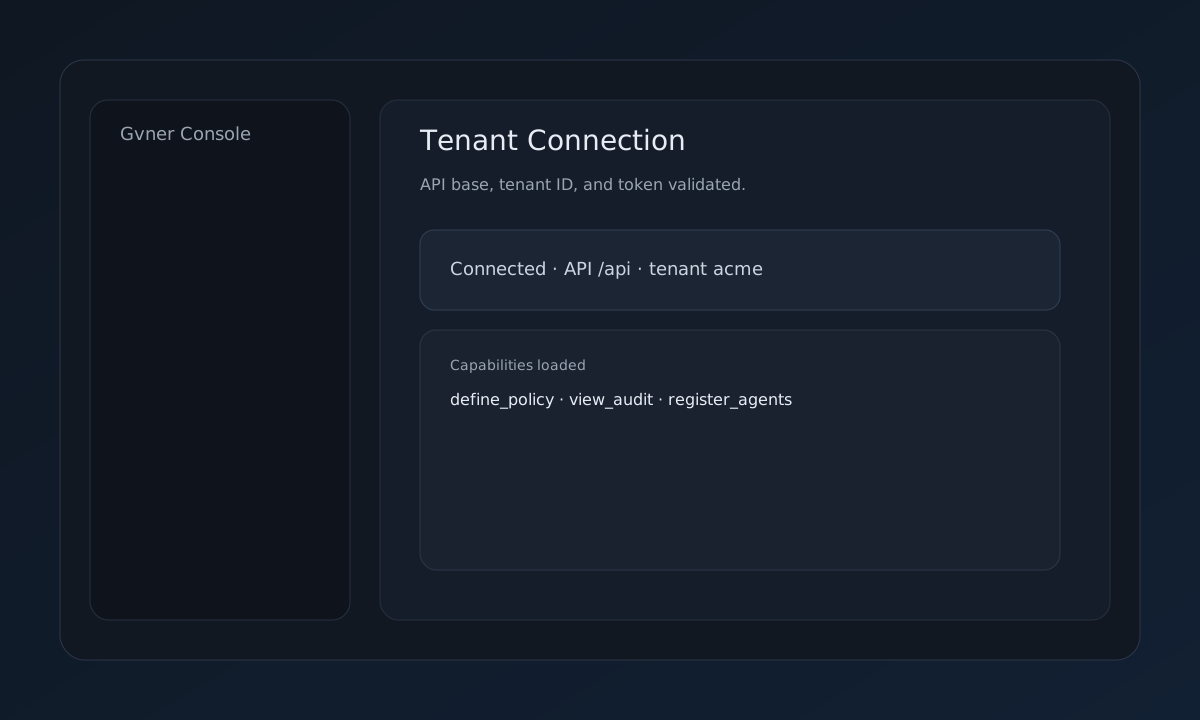
2) Test the connection
curl -s "$BASE_URL/capabilities?tenant_id=$TENANT_ID" \
-H "X-Tenant-Token: $TOKEN" | jq
You should see allowed capabilities for the tenant.
3) Register a runtime (SimpleClaw)
curl -s -X POST "$BASE_URL/simpleclaw/register" \
-H "X-Tenant-Token: $TOKEN" \
-H "Content-Type: application/json" \
-d '{"tenant_id":"acme","runtime_id":"simpleclaw-01","deploy_source":"simpleclaw","image_hash":"sha256:demo","profile_id":"internal_ops"}' | jq
This registers a runtime so Gvner can govern execution requests.
4) Run a policy dry‑run
curl -s -X POST "$BASE_URL/policy/dry-run" \
-H "X-Tenant-Token: $TOKEN" \
-H "Content-Type: application/json" \
-d '{"tenant_id":"acme","binding_id":"PB-001","knowledge_id":"K-001","scope":["write_files"],"prohibited_actions":["export"],"justification":"Initial governance policy","author":"compliance","scenarios":[{"action":"write_files","scopes":["write_files"],"requested_budget":10}]}' | tee /tmp/gvner-dryrun.json | jq
DRY_RUN_ID=$(python3 - <<'PY'
import json
print(json.load(open("/tmp/gvner-dryrun.json"))["dry_run_id"])
PY
)
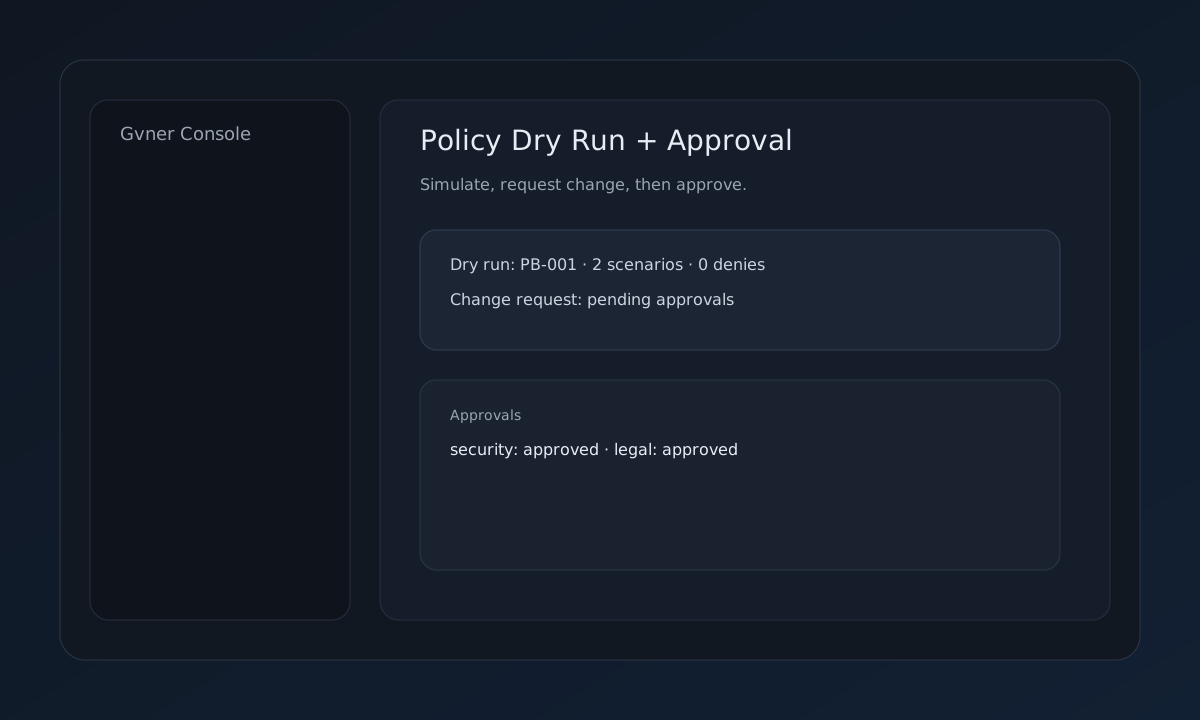
5) Submit and approve the policy change
curl -s -X POST "$BASE_URL/policy/change-request" \
-H "X-Tenant-Token: $TOKEN" \
-H "Content-Type: application/json" \
-d '{"tenant_id":"acme","binding_id":"PB-001","knowledge_id":"K-001","scope":["write_files"],"prohibited_actions":["export"],"justification":"Initial governance policy","author":"compliance","required_approvals":1,"dry_run_id":"'"$DRY_RUN_ID"'","proposed_by":"security"}' | tee /tmp/gvner-change.json | jq
CHANGE_ID=$(python3 - <<'PY'
import json
print(json.load(open("/tmp/gvner-change.json"))["change_id"])
PY
)
curl -s -X POST "$BASE_URL/approvals/approve" \
-H "X-Tenant-Token: $TOKEN" \
-H "Content-Type: application/json" \
-d '{"tenant_id":"acme","change_id":"'"$CHANGE_ID"'","approver":"security"}' | jq
6) Simulate a decision
curl -s -X POST "$BASE_URL/policy/simulate" \
-H "X-Tenant-Token: $TOKEN" \
-H "Content-Type: application/json" \
-d '{"tenant_id":"acme","scenarios":[{"action":"write_files","scopes":["write_files"],"requested_budget":5}]}' | jq
7) Inspect the evidence ledger
curl -s "$BASE_URL/evidence/ledger?tenant_id=$TENANT_ID" \
-H "X-Tenant-Token: $TOKEN" | jq
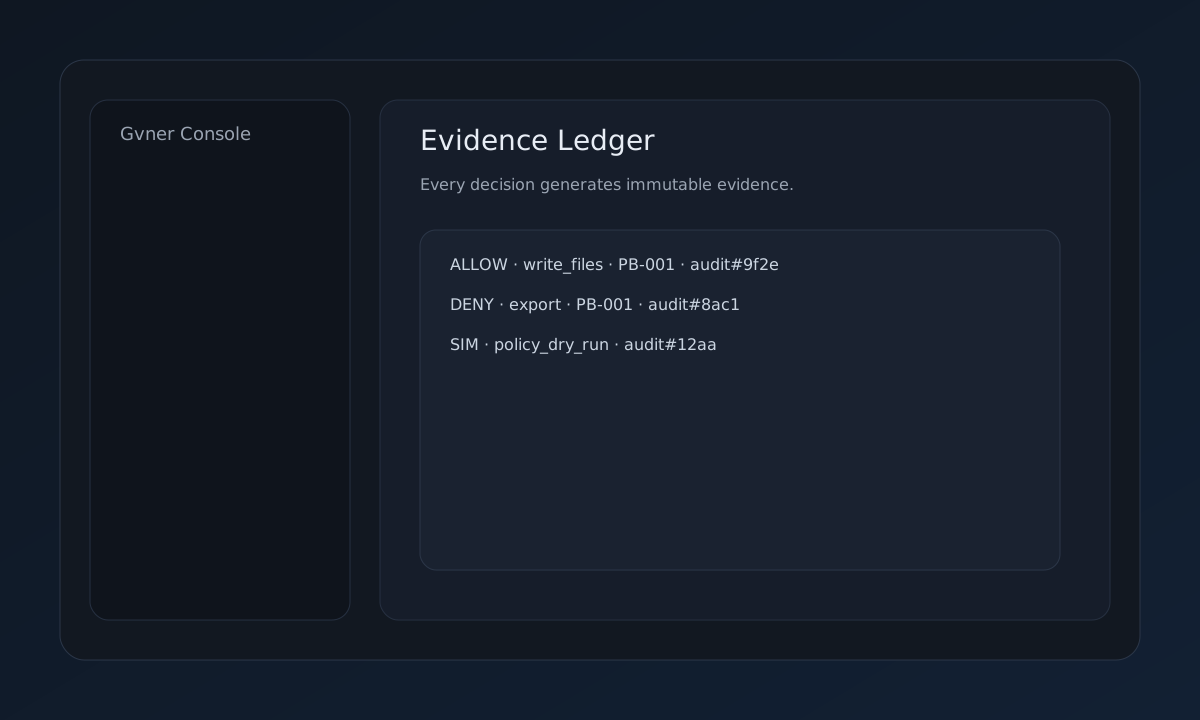
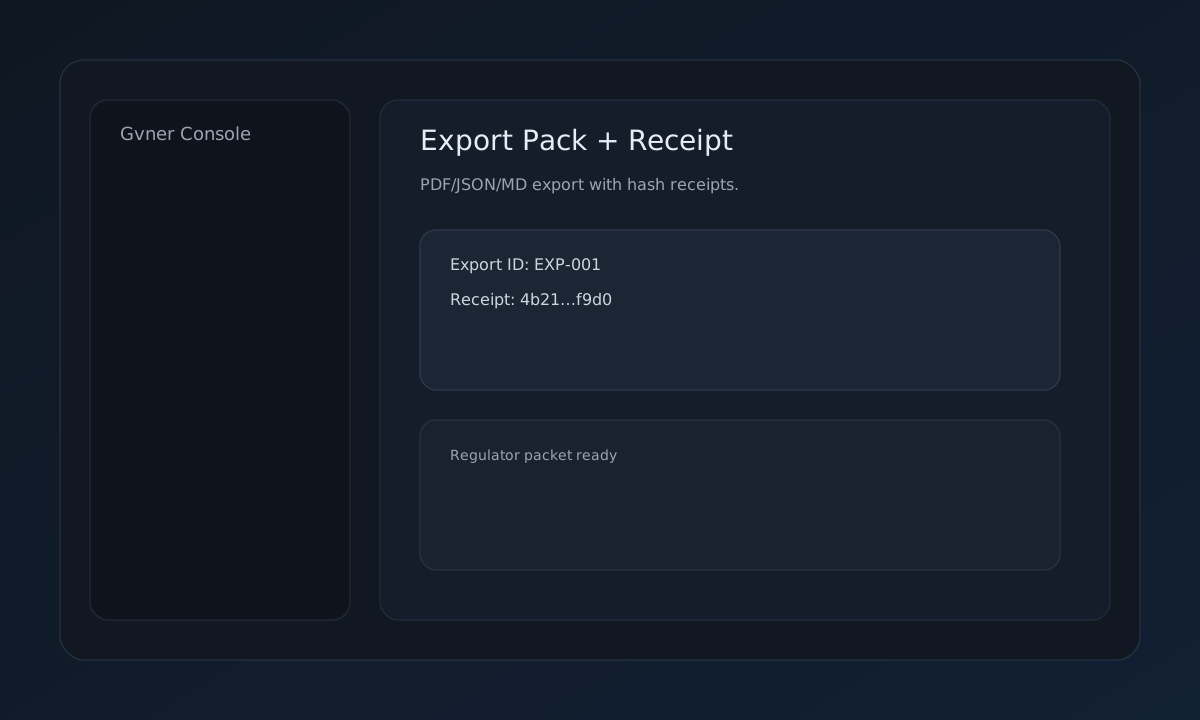
8) Export a regulator‑ready packet
curl -s "$BASE_URL/evidence/packet?tenant_id=$TENANT_ID&format=pdf" \
-H "X-Tenant-Token: $TOKEN" -o gvner-evidence.pdf
Optional: Seed demo data
curl -s -X POST "$BASE_URL/seed/demo" \
-H "X-Tenant-Token: $TOKEN" \
-H "Content-Type: application/json" \
-d '{"tenant_id":"acme"}' | jq
Use this if you want the console to show realistic data immediately.
What to do next
Key API endpoints
GET /capabilities — validate tenant accessPOST /simpleclaw/register — register runtimePOST /policy/dry-run — simulate policyPOST /policy/change-request — request policy changePOST /approvals/approve — approve changeGET /evidence/packet — export evidence packetEvidence outputs
Policy dry‑run record
Approval receipt + hash
Evidence ledger snapshot
Regulator‑ready PDF packet