
Docs / Getting Started
Quickstart: OpenClaw + Temporal
Wire Gvner into OpenClaw tool calls and Temporal activities with a single workflow.
One‑command script
Copy, paste, and run. (Remove | jq if jq is not installed.)
curl -sL https://gvner.com/docs/getting-started/openclaw-temporal.sh | BASE_URL="http://209.46.122.136/api" TENANT_ID="acme" TOKEN="<YOUR_TENANT_TOKEN>" bash
1) Configure environment
export BASE_URL="http://209.46.122.136/api"
export TENANT_ID="acme"
export TOKEN="<YOUR_TENANT_TOKEN>"
2) Register OpenClaw runtime
curl -s -X POST "$BASE_URL/openclaw/register" \
-H "X-Tenant-Token: $TOKEN" \
-H "Content-Type: application/json" \
-d "{\"tenant_id\":\"$TENANT_ID\",\"runtime_id\":\"openclaw-01\",\"description\":\"OpenClaw runtime\"}" | jq
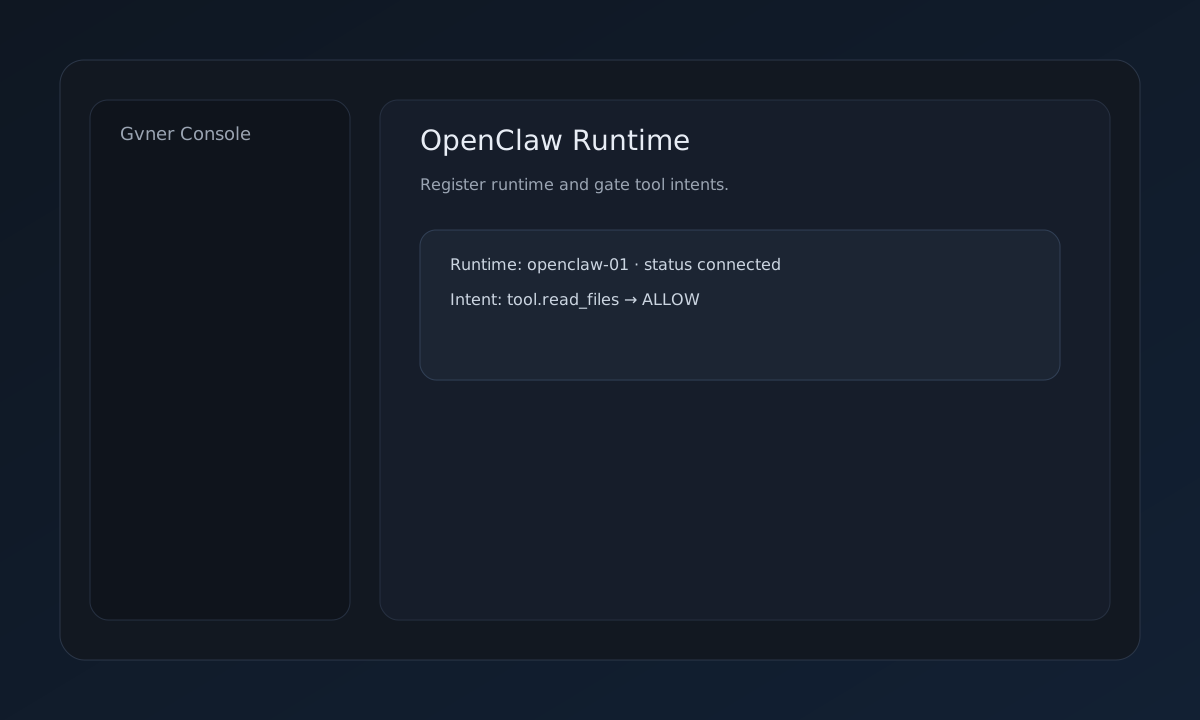
3) Gate a tool intent (OpenClaw)
curl -s -X POST "$BASE_URL/openclaw/intent" \
-H "X-Tenant-Token: $TOKEN" \
-H "Content-Type: application/json" \
-d "{\"tenant_id\":\"$TENANT_ID\",\"agent_id\":\"openclaw-01\",\"intent\":\"tool.read_files\",\"requested_scopes\":[\"read_files\"],\"tool\":\"filesystem\",\"context\":{\"source\":\"openclaw_quickstart\"},\"requested_budget\":5,\"work_type\":\"execution\"}" | jq
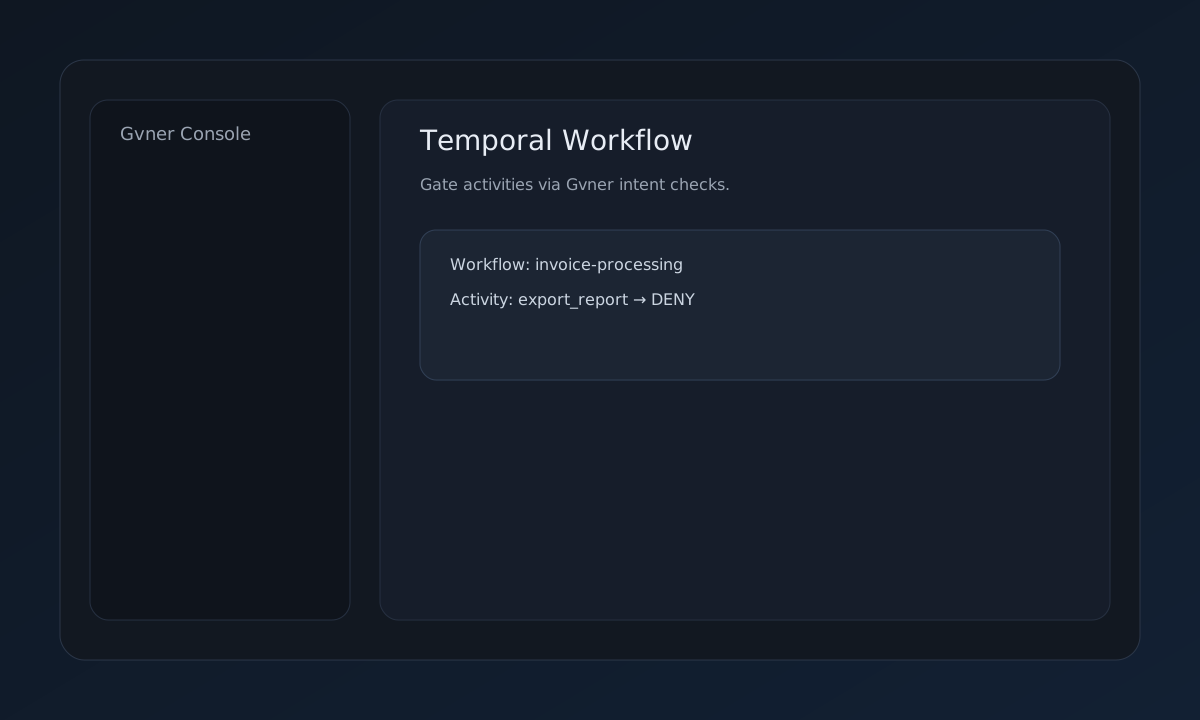
4) Gate a Temporal activity
curl -s -X POST "$BASE_URL/temporal/intent" \
-H "X-Tenant-Token: $TOKEN" \
-H "Content-Type: application/json" \
-d "{\"tenant_id\":\"$TENANT_ID\",\"agent_id\":\"temporal-activity-export\",\"intent\":\"workflow.activity.export_report\",\"requested_scopes\":[\"export\"],\"tool\":\"temporal_activity\",\"context\":{\"source\":\"temporal_quickstart\",\"workflow_id\":\"wf-01\",\"activity_type\":\"export_report\"},\"requested_budget\":2,\"work_type\":\"execution\"}" | jq
5) Export evidence
curl -s "$BASE_URL/evidence/packet?tenant_id=$TENANT_ID&format=pdf" \
-H "X-Tenant-Token: $TOKEN" -o gvner-evidence.pdf
How to use
1. Register runtime
OpenClaw runtime is required to identify tool calls.
2. Gate intents
Use Gvner decision responses to allow or deny.
3. Fail closed
If Gvner errors, times out, or returns DENIED, do not execute.
4. Record evidence
All decisions write to the evidence ledger.
5. Export packet
Generate regulator‑ready exports.
Key API endpoints
POST /openclaw/register — register runtimePOST /openclaw/intent — gate tool intentsPOST /temporal/intent — gate Temporal activitiesGET /evidence/packet — export evidence packetEvidence outputs
OpenClaw intent decisions
Temporal activity decisions
Evidence packet export