
Docs / Getting Started
Quickstart: Multi‑Tenant
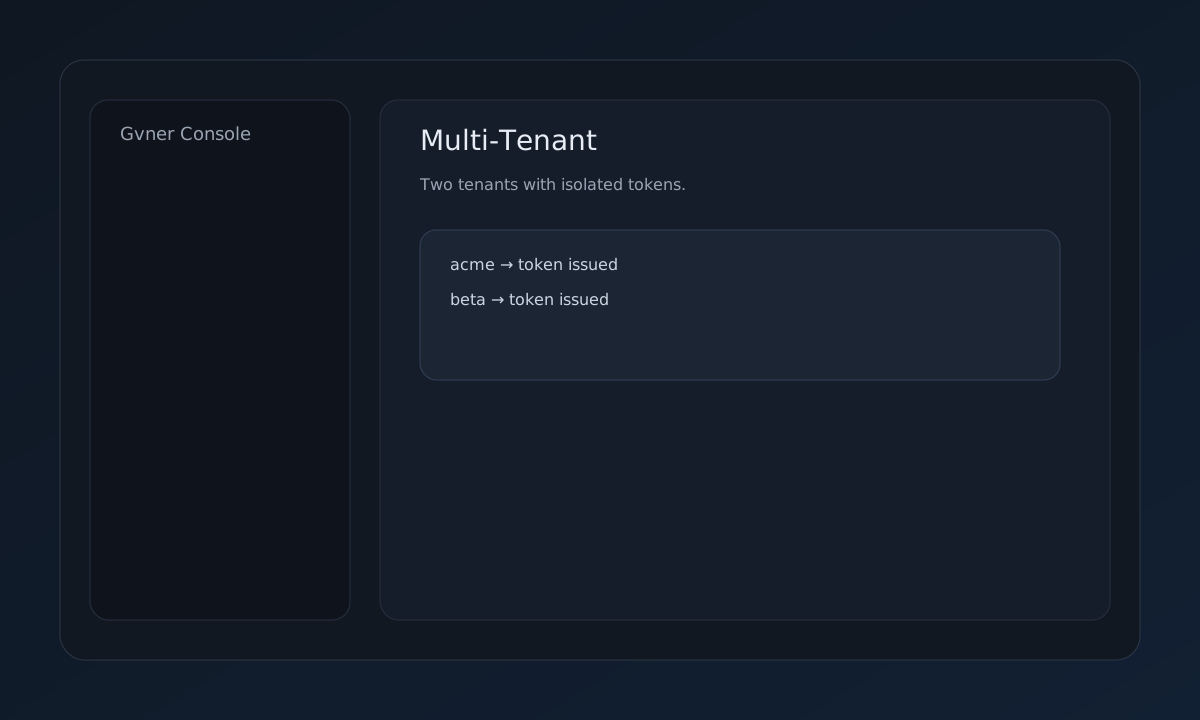
Create multiple tenants using the bootstrap token and verify isolation.
One‑command script
curl -sL https://gvner.com/docs/getting-started/multi-tenant.sh | BASE_URL="http://209.46.122.136/api" BOOTSTRAP_TOKEN="<YOUR_BOOTSTRAP_TOKEN>" bash
1) Create tenants
curl -s -X POST "$BASE_URL/tenants" \
-H "X-Bootstrap-Token: $BOOTSTRAP_TOKEN" \
-H "Content-Type: application/json" \
-d '{"tenant_id":"acme","tenant_type":"operational","governance_era":"v1.0","status":"active"}' | jq
curl -s -X POST "$BASE_URL/tenants" \
-H "X-Bootstrap-Token: $BOOTSTRAP_TOKEN" \
-H "Content-Type: application/json" \
-d '{"tenant_id":"beta","tenant_type":"operational","governance_era":"v1.0","status":"active"}' | jq
2) Verify isolation
# Use each tenant token to query capabilities
curl -s "$BASE_URL/capabilities?tenant_id=acme" -H "X-Tenant-Token: <ACME_TOKEN>" | jq
curl -s "$BASE_URL/capabilities?tenant_id=beta" -H "X-Tenant-Token: <BETA_TOKEN>" | jq
How to use
1. Bootstrap
Use the bootstrap token to create tenants.
2. Distribute tokens
Provide tenant tokens to respective teams.
3. Verify isolation
Confirm cross‑tenant calls are blocked.
4. Export registry
Export tenant registry for audit.
Key API endpoints
POST /tenants — create tenantPOST /tenants/rotate-token — rotate tenant tokenGET /tenants/summary — tenant summaryEvidence outputs
Tenant registry snapshot
Tenant token rotation receipts